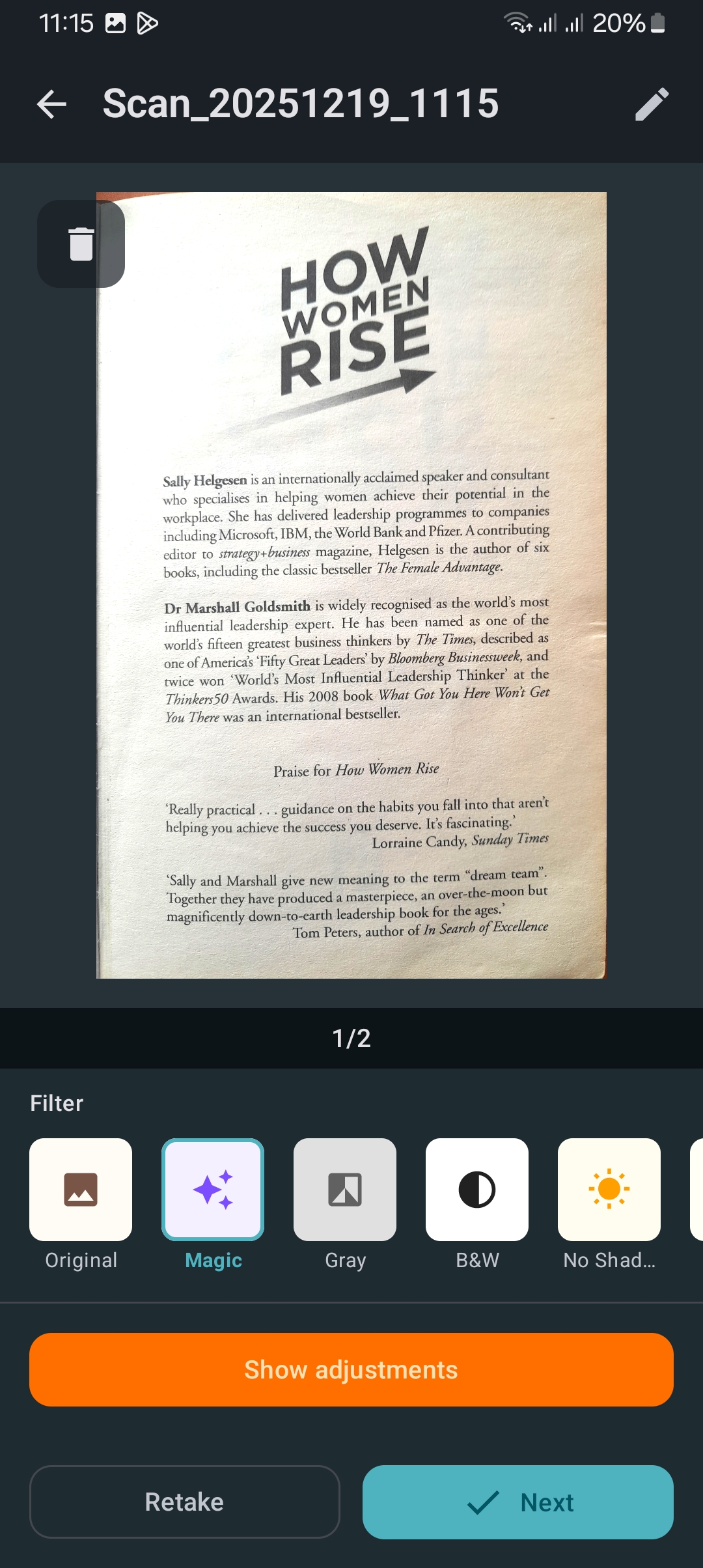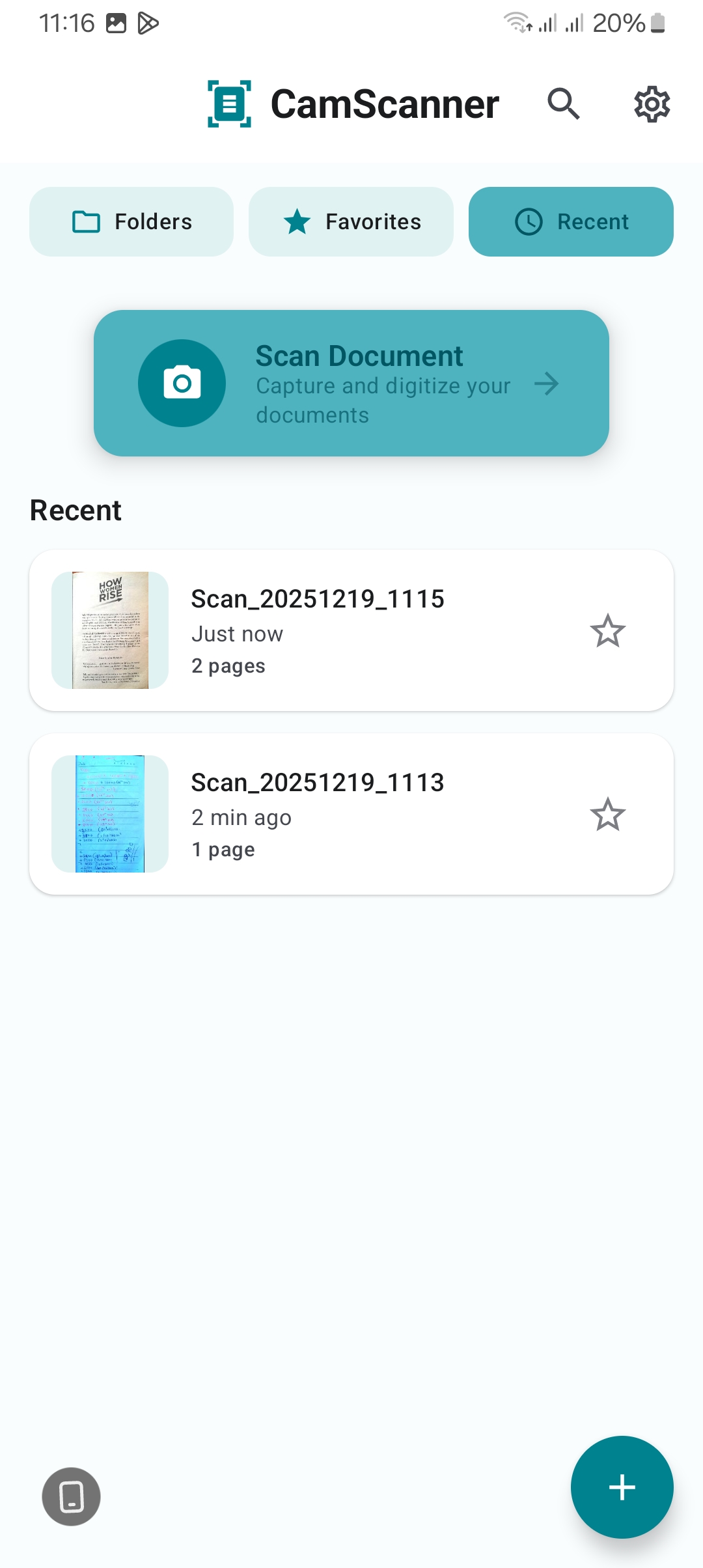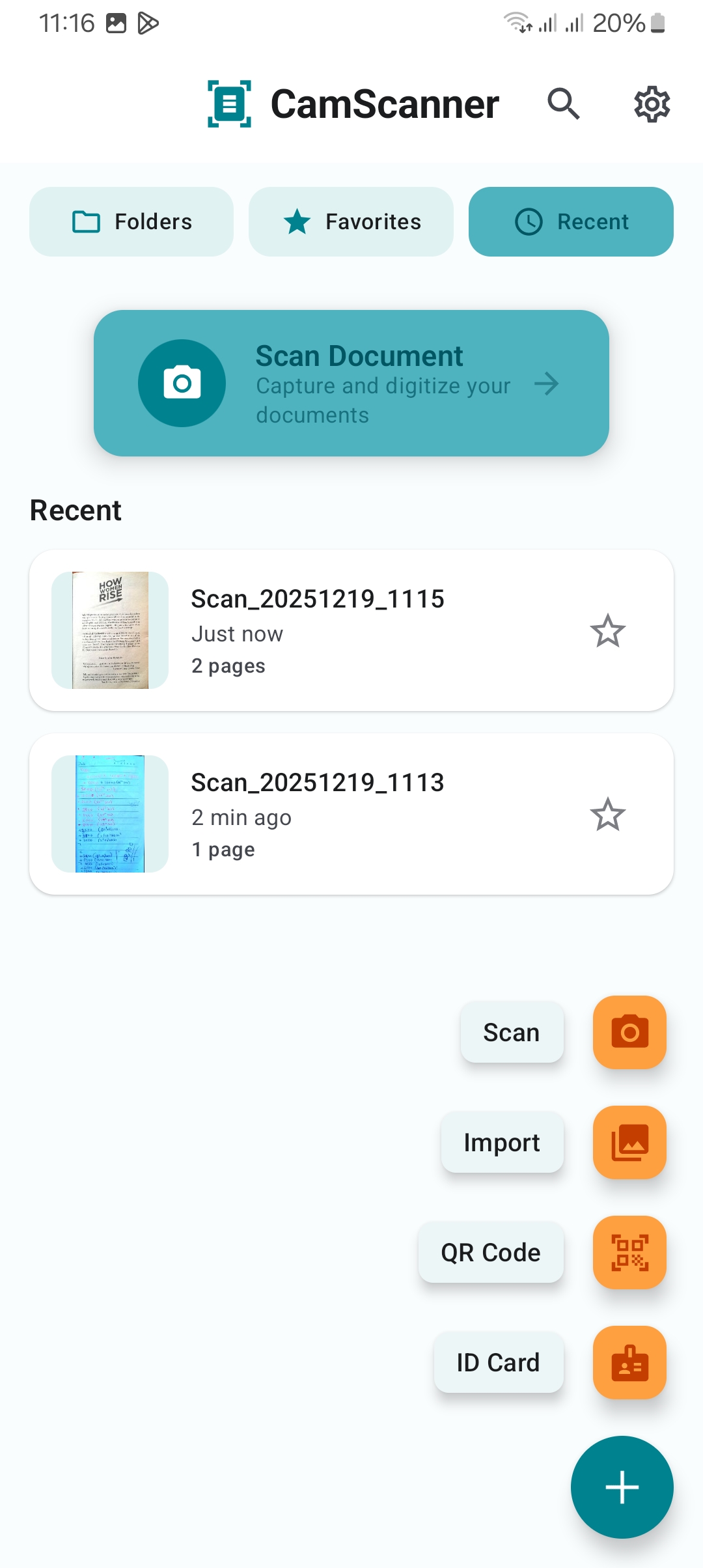
Tap the Download APK button above to get the installation file.
2
Open the Downloaded File
Once download completes, tap the notification or find the file in your Downloads folder.
3
Enable Unknown Sources
Android 8.0+: When prompted, tap Settings → Enable "Allow from this source" → Go back and tap Install.
Android 7.0 and below: Go to Settings → Security → Turn on "Unknown Sources" → Return to the APK and install.
4
Complete Installation
Tap Install and wait for the process to finish. You're all set!
🔒
Why does Android ask for permission? Android blocks apps from outside Play Store to protect users. We distribute directly for faster updates and independent availability.
About This App
Cam Scanner + PDF (Beta Version)
you can test our document scanner and tell us what you think through emails